Cookies enable the best possible provision of our services. By using our site, you agree that cookies will be used.
Smart View and technical innovations
Reading the number of hits for redirects and error pages
The tracking of error pages, redirects and alternative URLs has been reworked.
Hits are now counted directly in the database, so the overviews in URL management load quickly even with many entries.
If tracking was switched off for performance reasons via statetracker.configuration.track.on.error or statetracker.configuration.track.on.redirect, it can now be switched on again.

Accessibility for the table element
The output is marked up for screen readers: the table heading is a caption linked via aria-labelledby, header cells carry scope, and the column widths are defined in a colgroup instead of on every cell.
Base Layout: viewport for mobile devices added
A meta tag for the mobile viewport has been added to the Base Layout templates.
Copyright on images for elements, library and output
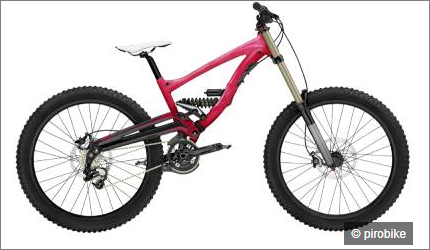
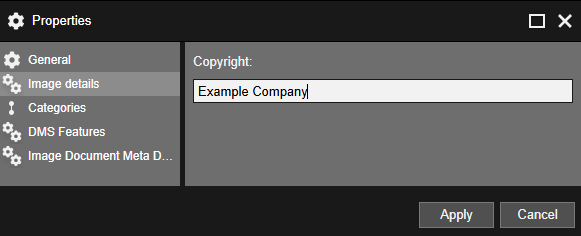
There is a new standard property "Copyright" for image elements and image files in the library.
The copyright is displayed with the image in the output.
Exporting triggers in the setup tool
The setup tool includes a new command called trigger-export. It writes all triggers to an XML file and can also run against a database from a previous release, allowing you to compare the state of the triggers before and after an update.
Higher default values for the Tomcat connector and database pool
The server.xml in the Tomcat bundle is designed for more load, with more threads and connections on the connector and larger connection pools to the database.
In addition, all connectors set maxParameterCount and maxPartCount, because the lower default values of Tomcat 11 are not sufficient for large forms and uploading many files.
If you keep your own server.xml during the update, you should adopt these values and check whether the database allows enough connections.
Information on whether a data source is used in a layout
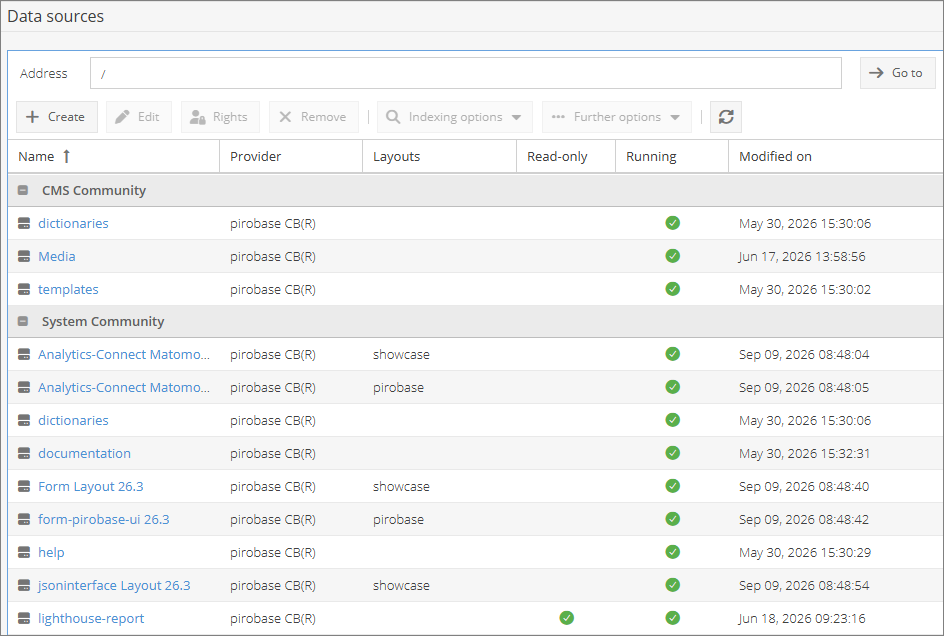
The data source list in the Webadmin and the dialog for editing a data source now show which layouts use the data source.
When a data source is removed, the dialog names the affected layouts.
If it is used by a started layout, deletion is blocked.
If the data source is only configured in stopped layouts, a yes/no confirmation appears and deletion remains possible.
The layout management also shows whether all configured data sources exist.
Labels for AI-generated or AI-modified content
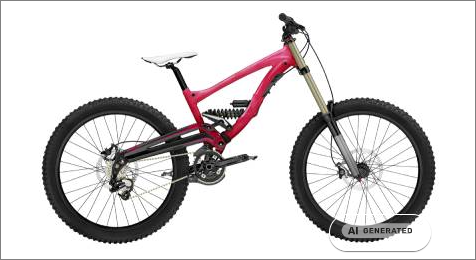
An AI label can be maintained for images, both on elements and on files in the library.
The EU labels for AI-generated and AI-edited content are available for selection.
In the Base Layout, the selected label appears above the image.
Scrollytelling extensions
The Scrollytelling module now offers even more creative options: new interactive accordions, card stacks, horizontal scrolling, scroll-controlled videos, Lottie animations and flexible column layouts.
Improved image display, background animations and custom headings give you more design freedom.
At the same time, accessibility, mobile use, ease of use, loading times and smooth animations have been significantly optimized.
Usages of element types within template types
The "Edit element type" and "Edit template type" screens have a new tab "Usages".
For each placement, the table shows the template, the name of the element (label of the sub-element) and the display name of the element.
External link
Login required