Cookies enable the best possible provision of our services. By using our site, you agree that cookies will be used.
Editor innovations
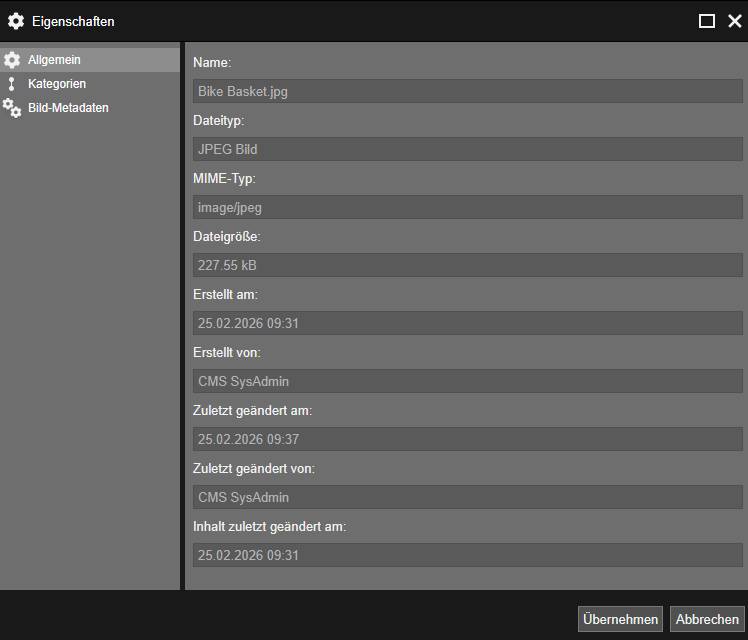
Change time for document content
When a document is moved, the modification time is automatically adjusted.
In addition to the modification time of the document properties ("Last modified on"), a separate modification time for the content ("Content last modified on") is also recorded.
This is not automatically updated when a document is moved or only the document properties are changed.
This distinction makes it possible to retain the rights history of a data source:
When a document is moved, a new parent folder is assigned, which updates the time at which the document properties were changed, while the time at which the content was changed remains unchanged.
Autocomplete attribute for form editor
The autocomplete attribute can now also be maintained in the form editor.
Convert image files directly to WebP format for faster loading times
To improve the performance of websites, it is important to optimize the loading speed of image files.
As images often make up a large proportion of the total loading time of a page, large image files can significantly affect page performance.
Large image files can therefore significantly affect the overall performance of the page.
The conversion of image files to the WebP format was identified as a solution. To make external tools superfluous, this function is provided directly in the editor and in the admin area. This allows image files to be converted to WebP format easily and efficiently.
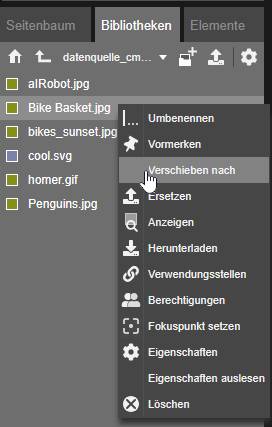
Move files between data sources
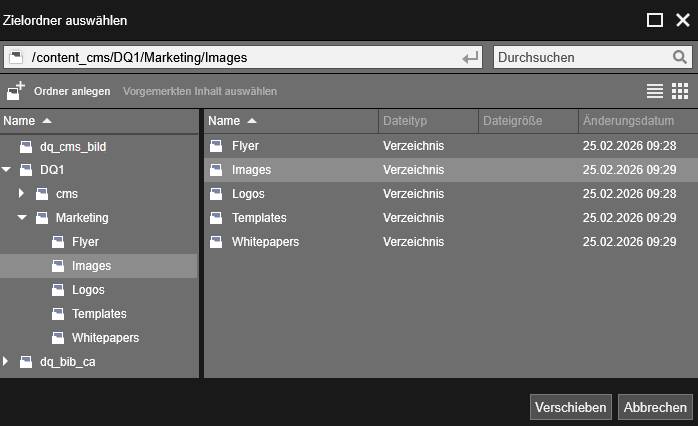
Files can be moved between different libraries.
However, this is only possible for libraries of the types CB, CB (versioning) or Filesystem.
Moving is only permitted within libraries of the same type and within the same client.
Folders cannot be moved between libraries.
After moving, the system automatically adjusts the links to the files.
Extended display of file usage locations and links
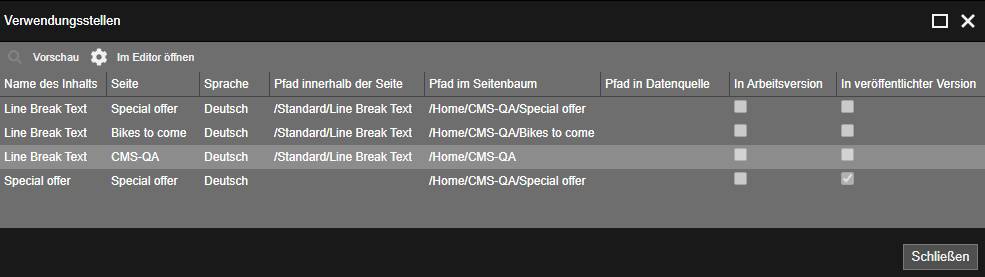
The page tree can now display whether and from which locations files are referenced or whether text links refer to the file.
The dialog now also displays links from properties to the file.
The administration (webadmin) now provides the same information on the usage locations as the editor.
Error message with invalid character set when unpacking ZIP files
When unpacking a ZIP file that was created with an invalid character set, a corresponding error message is now displayed.
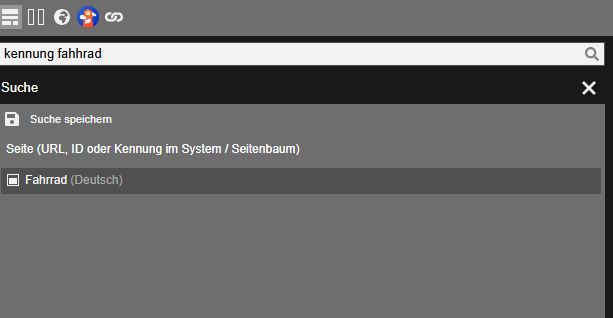
Search for alias in the page tree in editor search
Within the pirobase CMS editor, it is now also possible to search for the identifier in the page tree.
Use page templates for existing pages too
The page templates stored in the drafts can now also be used for existing pages to insert content into the page.
Telephone numbers as click-to-call links
Telephone numbers can now also be stored as a link. Clicking on the linked telephone number in the output automatically initiates a call (click-to-call).
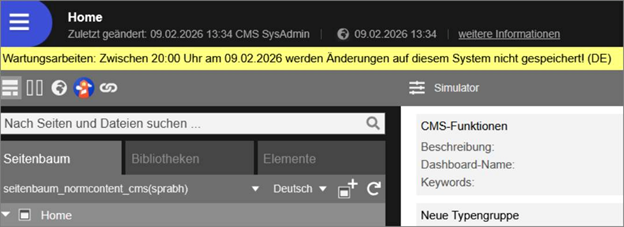
Show maintenance instructions
The maintenance notice at login is now displayed above the login area.
A language-specific announcement banner can be displayed in the pirobase editor, for example to display maintenance notices or important system information on upcoming updates.
The configuration and activation of this function is reserved for administrators.
As soon as a message is stored, the banner automatically appears at the top of the newsroom.
In addition, a start and end time can be defined to control the display time.
Generate additional properties with AI
An AI prompt can also be stored for additional properties of content elements.
If AI generation is activated for these properties, the Generate with AI option appears in the content elements.
External link
Login required